
Option 1: Make a mind movie in Canva (free, about an hour)
Canva has vision board templates and a movie maker. Pick 10 to 20 images that show your goal achieved, add one present-tense affirmation per slide, set each slide to 3 to 5 seconds, add uplifting music, and export as a video. It is free and gives you full control, but you source every image and time every slide yourself. Our step-by-step mind movie guide walks through it.
Option 2: Make a mind movie in CapCut (free, 30 to 60 minutes)
CapCut is faster than Canva for video: drop photos into a template, add text and music, and export. The same trade-off applies, you still gather the visuals. Some newer CapCut features now generate video clips from text, but several are paid.
Option 3: A vision board slideshow app
Vision Board by Perfectly Happy assembles a slideshow-style video from your photos or stock images with music and affirmations. Quicker than editing by hand, though it is still a slideshow of still images.
Option 4: Let an app generate the mind movie
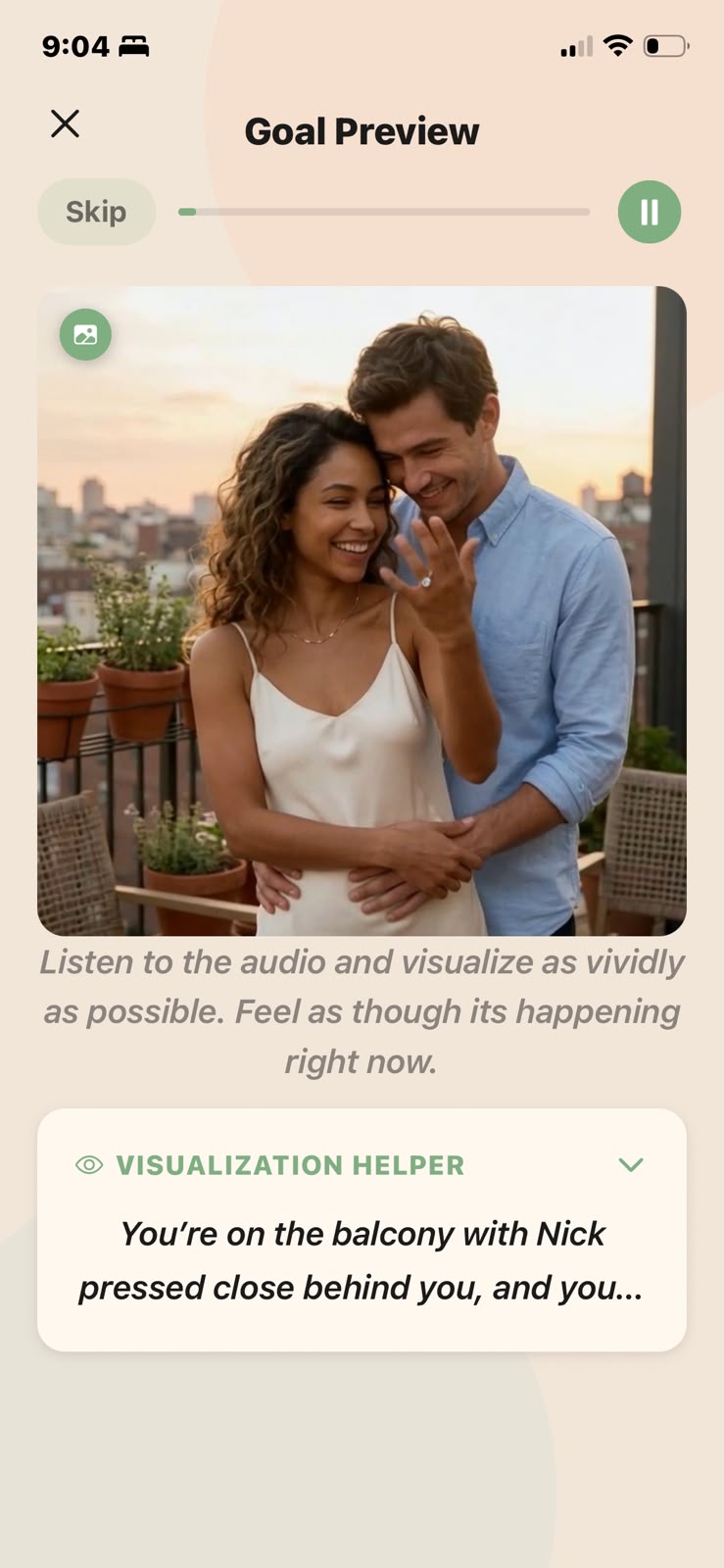
SelfStudio (iPhone) turns one sentence, like "I am living in my apartment by the ocean," into a cinematic moving video of that scene, then keeps it next to your subliminal and daily scripting so you actually rewatch it. The mind movie is a Pro feature. ManifestVision does something similar on the web. Both take a minute or two instead of an hour.
Which mind movie method is right for you?
Want total control and zero cost: Canva. Want speed with your own photos: CapCut or a slideshow app. Want real motion video of your goal without editing: an app that generates it, like SelfStudio.
Whichever you pick, the habit matters more than the tool. Watch it once in the morning and once before sleep, and pair it with a vision board that moves or a daily 369 practice.