
How to Layer Subliminals (Without Making Them Louder)
To layer a subliminal, you stack several copies of the same affirmation track on top of each other, start each copy a fraction of a second after the last, tune each one very slightly higher or lower, and then turn the whole stack down so it sits at the volume of a single voice. Instead of one clear speaker, you get a soft, dense whisper that blends into the background sound.
Three layers is the sweet spot for most people, and five is about the useful maximum. Here is what layering really is, how to do it by hand in Audacity, how to do it in one tap, and the mistakes that make a layered track sound worse instead of better.

What layering actually means
People use two words for two different things, and it helps to keep them apart.
Layering is about one track. You take a single recording of your affirmations and duplicate it a few times. Because each copy starts a little later and plays at a slightly different speed, the words overlap and smear into each other. You hear a gentle murmur, like several people whispering the same sentences slightly out of sync.
Stacking is about several tracks. It means playing different subliminals at the same time, say a confidence track, a money track and a clear skin track all at once. That is a separate idea, and usually not a good one.
Why layer at all? Mostly for sound. A single voice under rain still sounds like a person talking, and your attention keeps snagging on it. A layered voice sounds more like texture, so it sits under the background more naturally and is easier to listen to for twenty minutes. It also packs in more repetitions per minute. To be clear, there is no research showing that more layers make a subliminal more effective, and the evidence on subliminals in general is modest. We cover that honestly in do subliminals work. Treat layering as a listening preference, not a power setting.
How to layer in Audacity or any audio editor
Any editor that can hold several tracks will do: Audacity is free, and GarageBand, Reaper or any other DAW works the same way.
Start with a clean affirmation track. This can be a recording of your own voice or an export of a narration voice reading your list. Leave a short pause between sentences so the layers have room to breathe. If you have not made one yet, our guide on how to make your own subliminals walks through writing the affirmations and recording them.
Next, duplicate the track two or four times, so you end up with three or five copies. In Audacity, select the track and use Edit, then Duplicate.
Now offset each copy. Drag each clip along the timeline by its top bar and slide the second copy about a third of a second to the right, the third copy about two thirds of a second, and so on. You want the words to overlap, not echo neatly.
Then detune the copies slightly. Select one copy and open Effect, then Pitch and Tempo, then Change Speed and Pitch. Enter a Percent Change of about +3 on one copy, about -3 on another, and +5 and -5 on the last two if you are using five. Leave the first copy untouched. Because this changes speed as well as pitch, the copies drift further apart as the track goes on, which is exactly the blurred effect you want. Go much past 5 percent and the voices start to sound sped up or slowed down in an obvious way.
Finally, put your background sound on its own track underneath, set the levels, and export. Audacity mixes all the unmuted tracks into one file when you export.
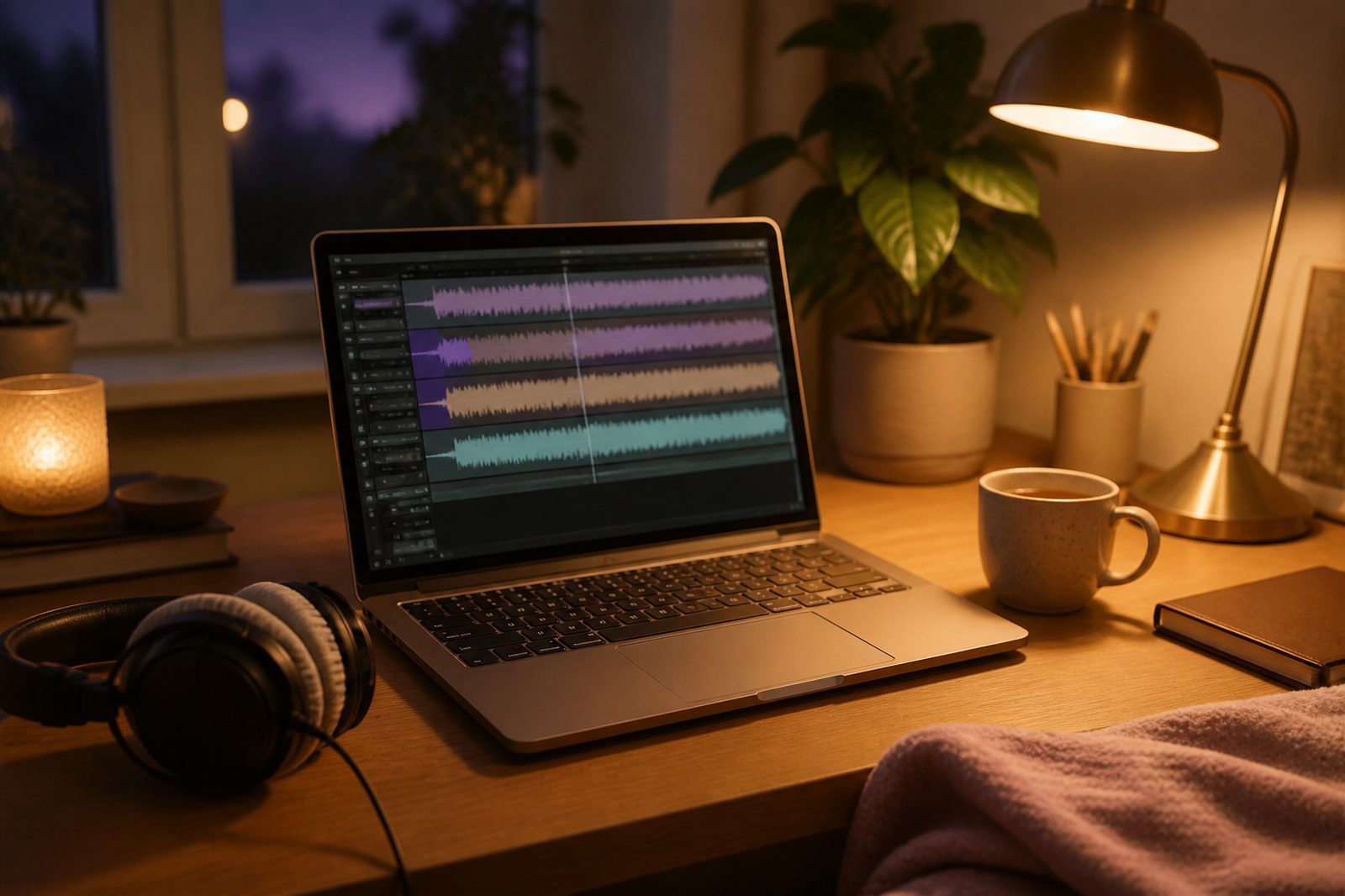
Turn it down as you add layers
This is the step most tutorials skip. When you add copies of a voice, they add up, and the stack gets louder.
Because your copies are offset and detuned, they combine roughly like separate voices rather than one voice made bigger. Three layers come out about 5 dB louder than one, and five layers about 7 dB louder. So lower each copy by roughly those amounts: about 5 dB each for three layers, about 7 dB each for five. That keeps the whisper at the same overall level as your original single voice, so it stays under the background where you put it.
Then watch the meter while the loudest part plays. If the peaks reach the top, the mix is clipping, which sounds like harsh crackle. The Audacity manual's page on mixing tracks explains how to pull the whole mix down with Effect, then Amplify, using a negative value.
The one-tap way
If you would rather skip the editing, the free subliminal maker does all of this in your browser. Type a goal or paste your affirmations, pick a background like rain, ocean or brown noise, and in the Mix panel set Layers to 1x, 3x or 5x.

Behind that button, it does the same thing you would do by hand. Each extra copy starts about a third of a second after the one before it and plays slightly faster or slower, by 3 to 5 percent. The volume is compensated automatically, so 5x is denser but not louder than 1x. One note: Layers needs one of the natural narration voices. If your device falls back to the built-in browser voice, it plays a single layer.
How many layers is sensible
Three layers gives a soft, full whisper where you can still catch the odd word if you listen closely. Five makes a denser wash that works well for sleep or for studying, when you do not want to follow the words at all.
Beyond five, the sentences turn into general noise and you lose most of what made the track yours. There is no evidence that ten or fifty layers do anything more than five, so there is little reason to push it.

Masked or audible, layered
Layering and masking are two separate choices. Masked means the voice sits under the background sound. In the subliminal maker, the default Masked setting puts the voice roughly 31 dB under the background, so you feel more than hear it. Audible means the words stay clear above or alongside the sound.
Layered and audible sounds like a quiet chorus, which some people love for daytime listening. Layered and masked is the classic subliminal sound. A good habit is to play your track once in Audible mode so you know exactly what is in it, then switch to Masked for everyday listening.
Common mistakes
Clipping is the most common one. It happens when layers are added without turning anything down, and it makes the whole track sound cheap and tiring. Lower the copies first, then check the meter.
Stacking too many topics is the second. Five different subliminals playing at once means five sets of sentences fighting for space, and if something does shift for you, you will not know which one helped. Pick one goal per track and give it a few weeks.
Perfectly aligned copies are the third. If you duplicate a track without offsetting or detuning it, you do not get a whisper. You just get the same voice, louder and sometimes with a strange hollow tone. The offset is what creates the layered sound.
The last mistake is listening loud. A subliminal is meant to be background. Keep the volume at a comfortable level you could listen to for half an hour.
Keeping your layered subliminal
The browser maker plays live and stops when you close the tab. If you want to keep a subliminal on your phone, SelfStudio's iPhone app saves your tracks with natural narration voices, lets you set the affirmations under ocean, rain, brown noise or a fireplace, and keeps playing with the screen locked.
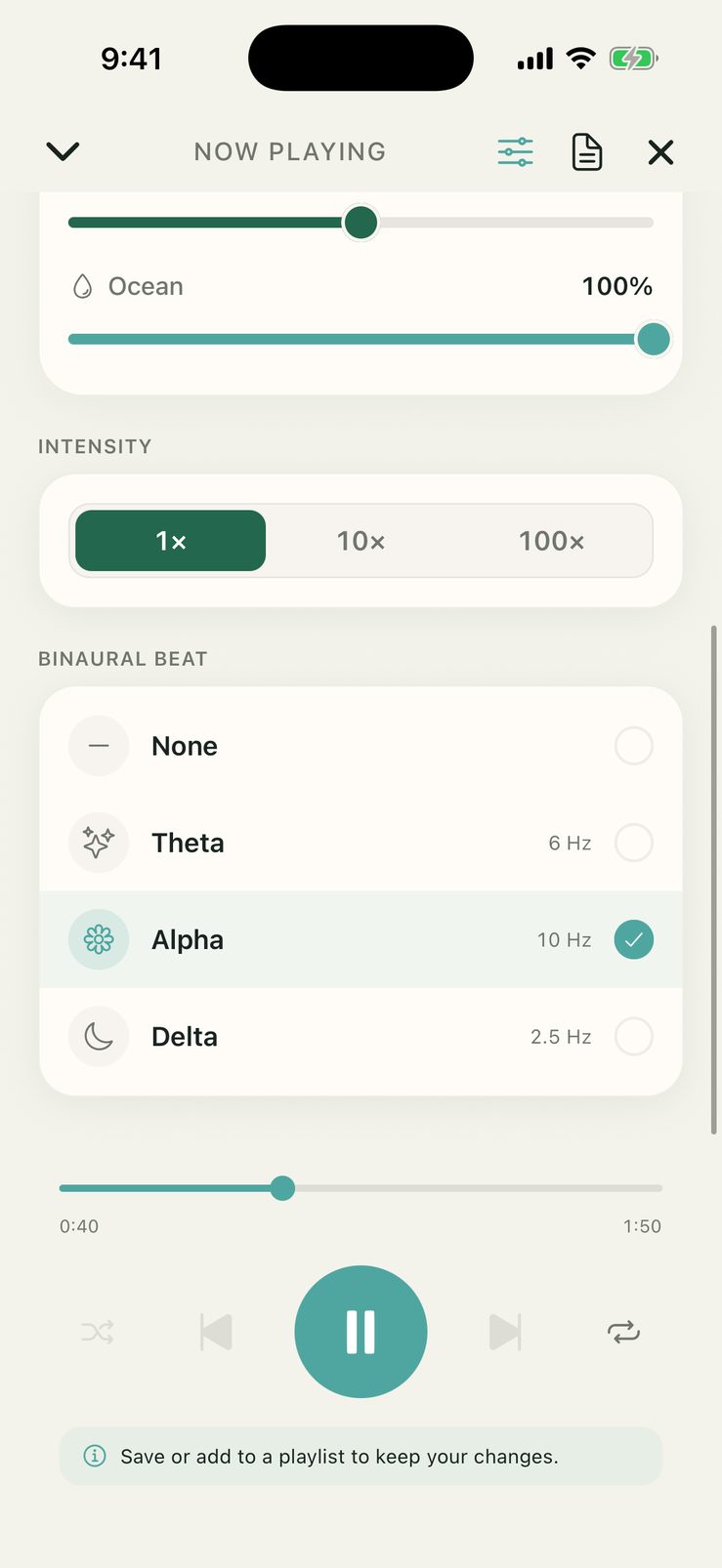
The SelfStudio mixer: choose a background sound and set your affirmations under it.
Layering really is this simple: one track, three to five offset and slightly detuned copies, turned down so the stack is no louder than a single voice. Keep it to one goal, keep the volume gentle, and listen every day.
Try it now: open the free subliminal maker, set Layers to 3x, and press play.